
Is it a bad idea to let my staff use their own machine?
It’s not about trusting your staff
We always explain to clients that allowing staff to use their own computer, or home device for accessing work systems is strongly against our recommendation.
Often a client will say, ‘it’s okay, I trust my staff’, or ‘it’s fine, they have anti virus’ – but, the worry about allowing a non-business owned piece of equipment access to your business data, is a much wider concern than trust or anti-virus software.
You cannot manage that device. You do not know what is already installed, or will be installed on that device. Not just by your staff member, but by their partner, or their children. You cannot govern how up to date the operating system or software is on the machine.
And, what happens when the staff member leaves your employment or no longer needs access to that device? You cannot manage deletion of data which is downloaded to the machine, accidentally or on purpose. You cannot seize the machine, verify the content or check its health. It is all out of your control.
While it might be more expensive to provide machines, tablets or phones it is also beyond any doubt, safer and easier to manage.
What are the risks to my business?
Read on to understand the risks of staff using their own devices in your business in more detail.
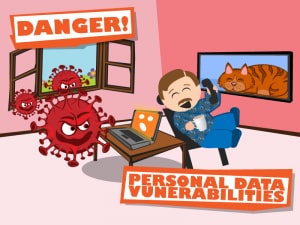
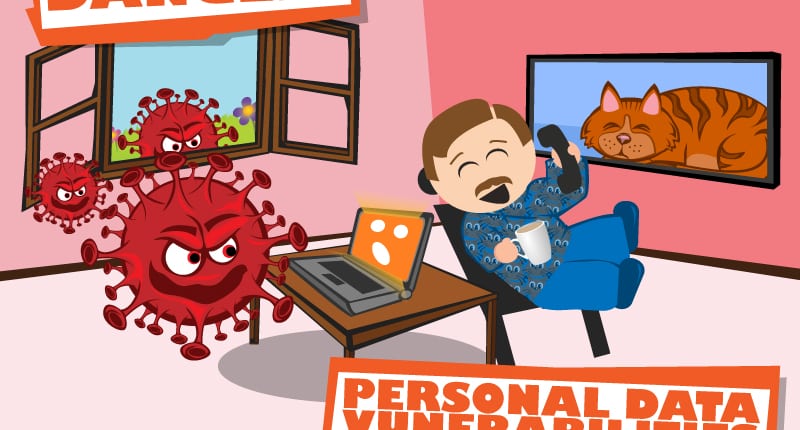
Businesses who allow staff to bring their own devices (BYOD) to their roles, will be adding significant complexity to their business IT security. Accessing company data using a home device will be bringing a list of vulnerabilities to the office systems.
Business owned devices managed through centralised administration allow continuity and consistency across the entire organisation. This means certification of security controls is as straightforward as possible, where as BYOD from home machines complicate things and make security controls challenging.
There are significant risks to your business such as;
-
Lack of encryption – home machines rarely employ encrypted drives, meaning theft of the machine will expose business data
-
Lack of passworded user accounts – often home machines do not utilise passwords, let alone suitable passwords
-
Privileged user accounts – users rarely restrict accounts, which not only means any software can be installed, but that viruses can infect machines quickly and easily
-
No software firewalls installed – often home machines do not activate firewalls
-
Easier loss of data – such as downloading items locally to machines instead of storing information on central servers
-
Higher potential accidental data loss – such as sharing devices with family members and lack of backups
-
Device health consideration – will a home device have suitable operating system updates or security patches installed and continued monitoring?
-
Likelihood of unsupported or out of date applications – as software becomes end of life known security vulnerabilities become higher risk
-
Lack of knowledge on device previous life history – previously owned machines could hold viruses, keyloggers or malicious software
-
Additional exposure due to user’s managing devices in a personal context – meaning user’s share account & password details between family members
-
Reluctance to report breaches, or vulnerabilities – home users may not know their family has created, or found a data breach and are likely to be reluctant to report to your business
Obtaining the nationally recognised Cyber Essentials certificate for your business relies on all your devices being correctly protected and updated, along with all user accounts being secured and firewalls enabled. BYOD will compromise this requirement.
It is recommended a full risk assessment is made to calculate the risk to the business and security of all systems and data by allowing home devices of any kind (ie. including tablets and mobile phones). Details can be found on the National Cyber Security Centre’s website
Therefore, we do not recommend that any business allows its staff to access business systems using a home device. The only exception is for personal mobile phones which are allowed to access 2 Factor Authentication codes, which will in turn allow access to systems.